A session people take part in, not one they sit through.
Polls, word clouds, Q&A and clinical cases, answered on every delegate’s phone.
Three ways the room answers.
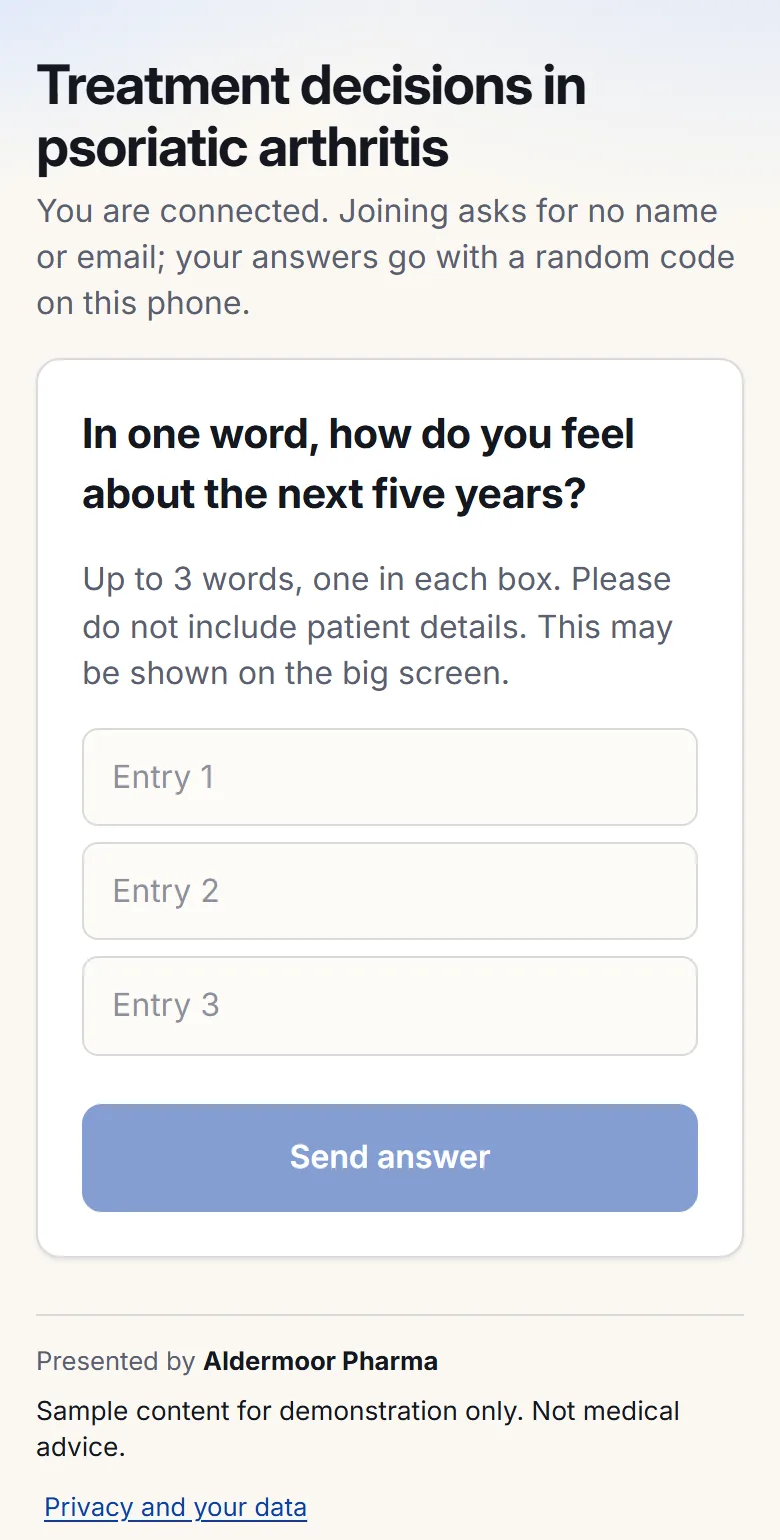
A word or short phrase from each delegate, sized by how many said it. Pin, merge or hold back terms as it grows.

- Pin and merge
- Hold back an entry
- Moderated mode
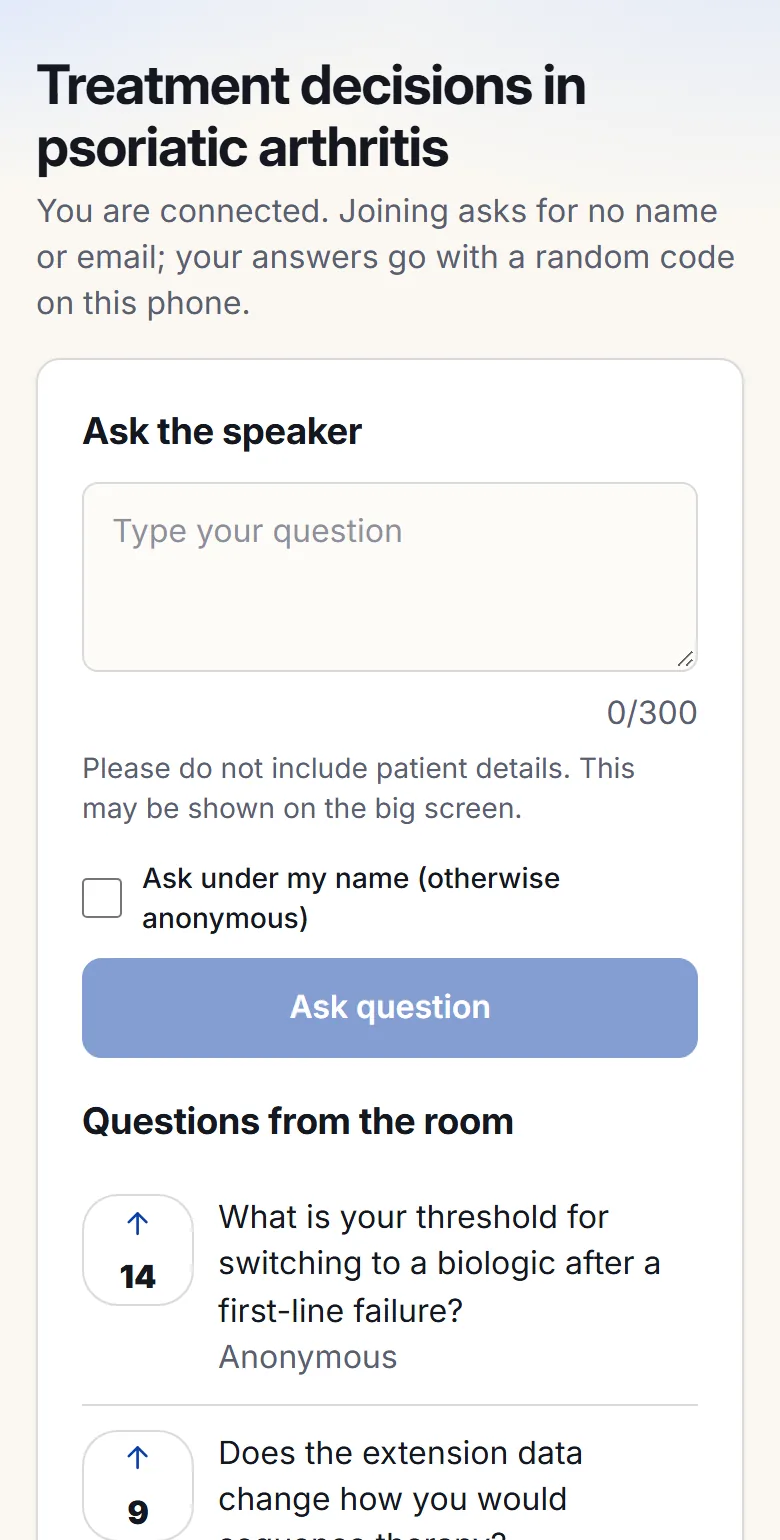
Delegates ask anonymously or under their name. A moderator approves, and one question at a time takes the big screen.

- Upvotes
- Moderator queue
- Named or anonymous
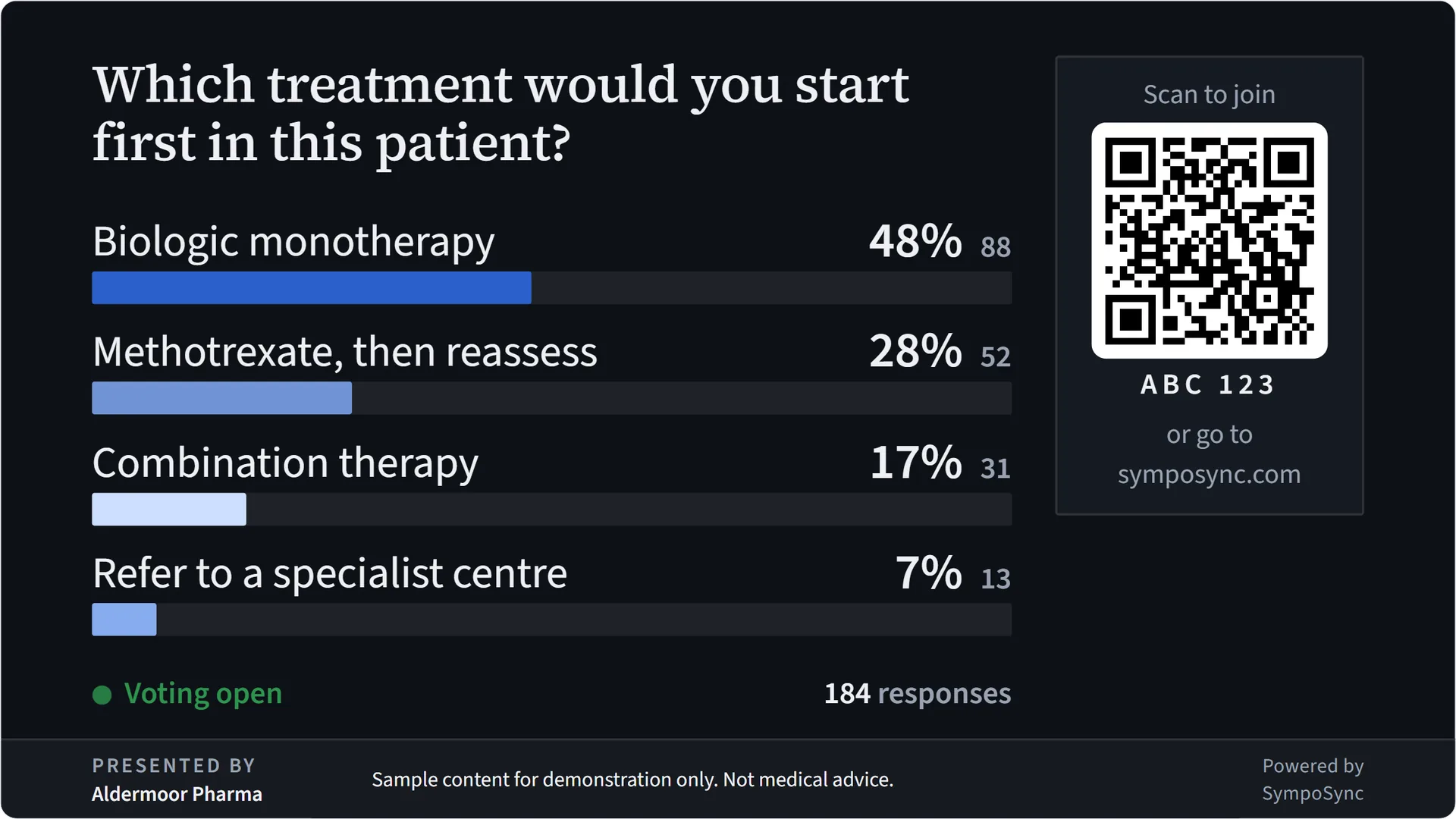
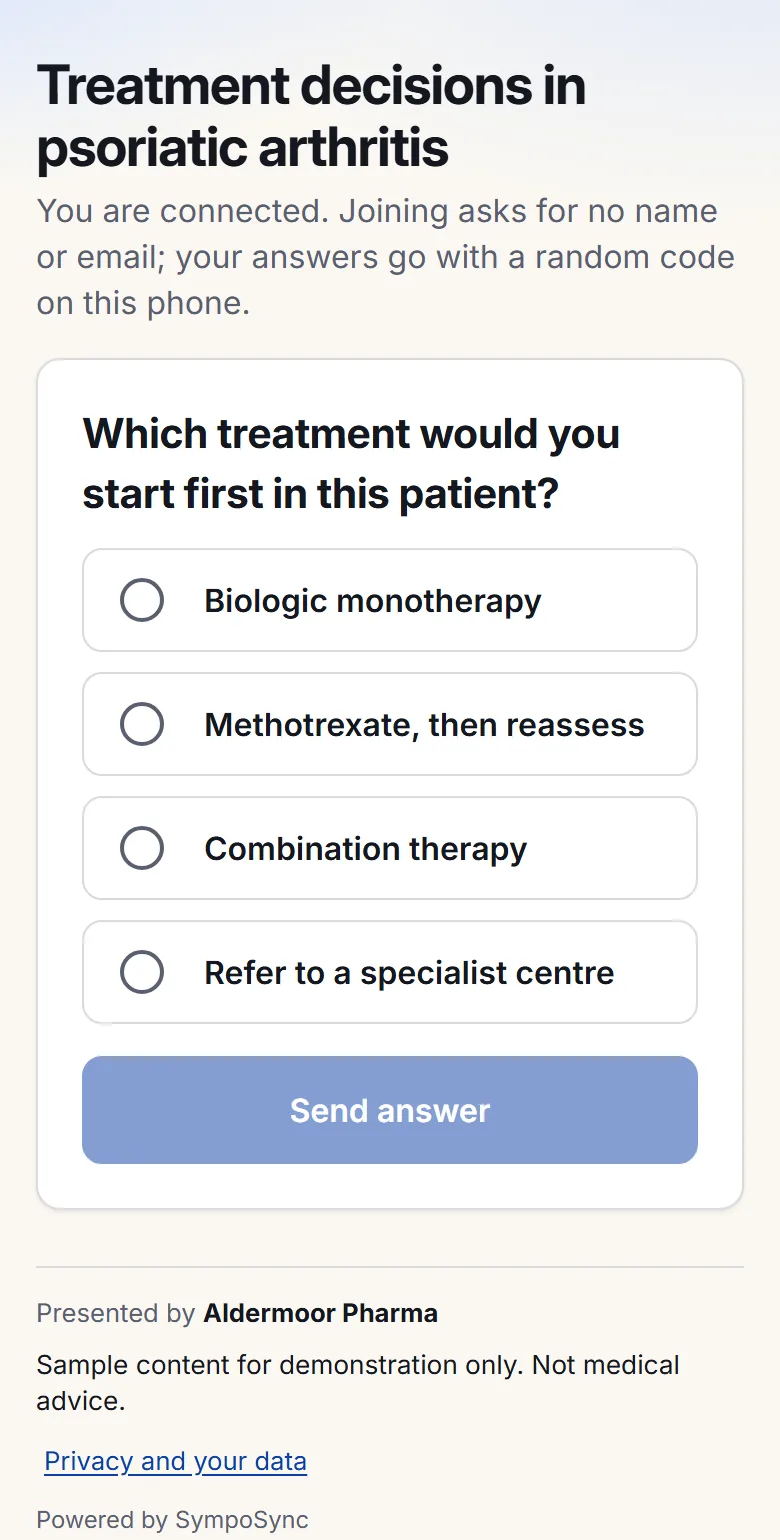
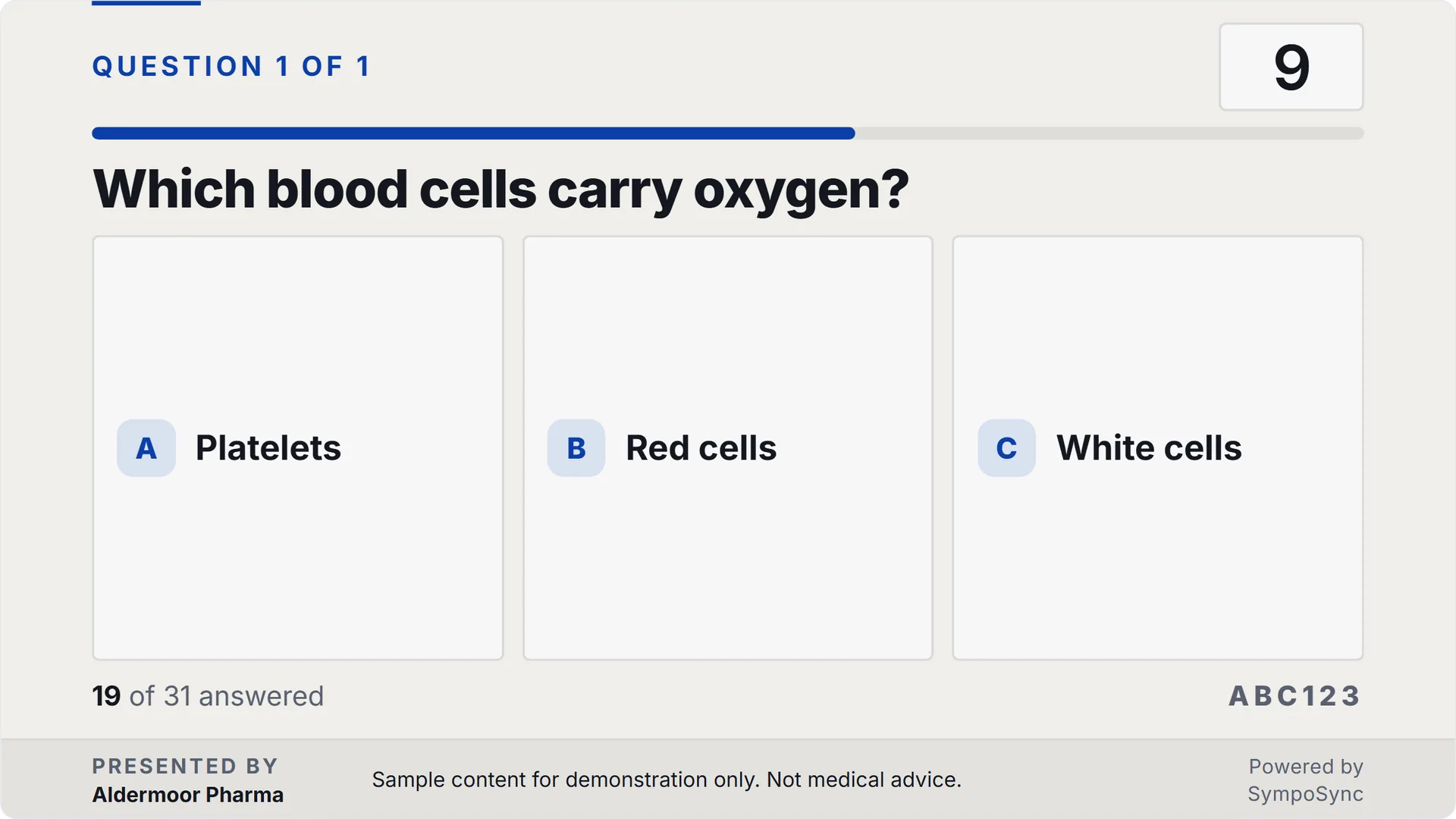
Bars grow on the big screen as answers arrive, or stay hidden until you close voting. Results can go to the phones alone.

- Multiple choice
- Yes or no
- Ratings and NPS
- Ranking
- Open text
Synthetic content: a fictional client, people and events; made-up questions, simulated answers.
A case the whole hall works through.
Clue by clue, the room commits to a diagnosis or a decision. You reveal the answer when the moment is right.
- Diagnostic challenge
- Patient journey
- The room against an expert
- Before and after
Bring the client’s deck.
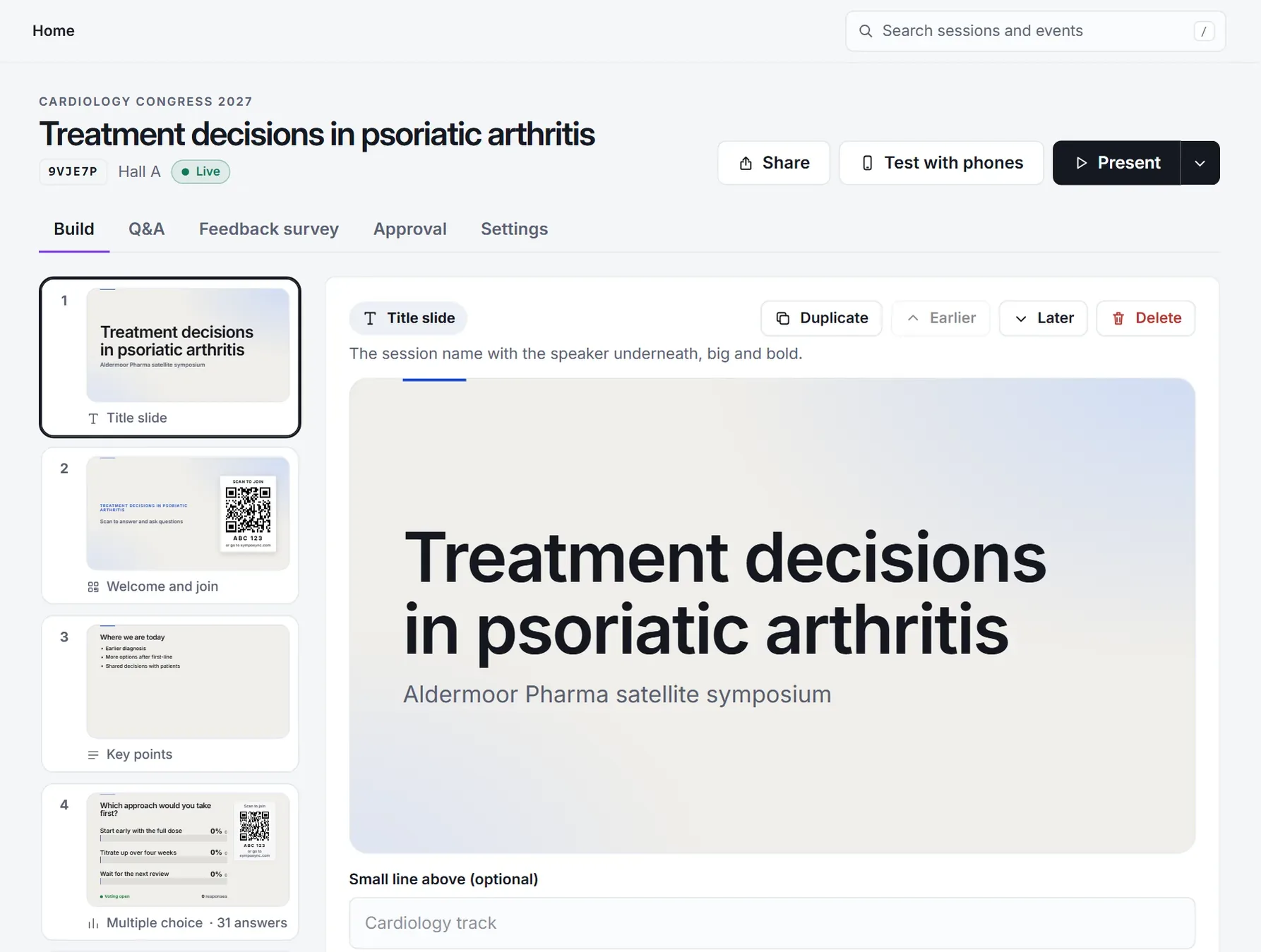
Editable slides
A PowerPoint comes in as slides you can edit, in your client’s look: titles, text, the main picture of each slide and speaker notes. Charts, animations and video do not come across.
PDF, page by page
Every page as it looks in the PDF, full screen. No speaker notes, no editing.
A live presentation, as it is
Played from its own link, animations included. It needs the internet in the room.
- Slides in your client’s look
- Video and walk-in loops
- Safe look and tablet control
- Rehearse with a simulated room
- Evaluations
For a break between the science.
The same phones and the same display, for the moments a programme has room for.
- Quiz shows
- Live races
- Hype meter
- Reactions
- Where do you stand?
- Prize draw
About running one.
Can I try a session without an audience?
Yes. Rehearse with phones as often as you like, and fill the room with 10, 50, 250, 500 simulated people. The display says the figures are simulated, and nothing simulated is stored.
Is it multilingual?
The buttons and messages on screens and phones are in English today. What you write can be in any language you can type.
Build one from the client’s deck.
Start from a template or the deck, and rehearse it with a simulated room before anyone has seen it.